

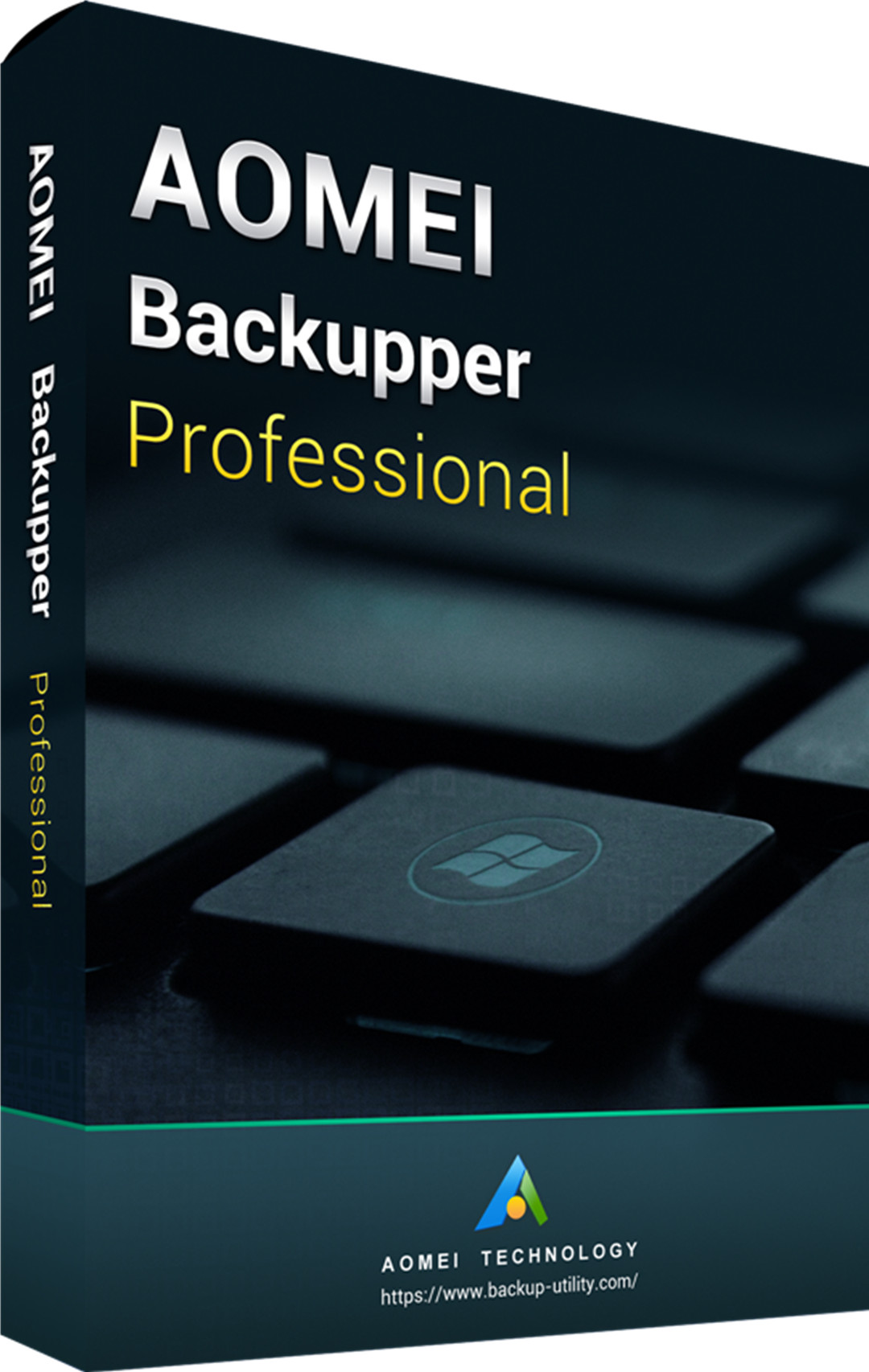
AOMEI Backupper Professional Edition 365 Days 5.6 Key Global
It's in stock now, welcome to order














추천상품
더 보기


Professional Edition is a complete yet simple backup software for Win PCs and laptops, which includes all features of AOMEI Backupper and supports system/disk/files/partition backup & restore, file sync, and system clone as well as provides scheduling backup, merge images, dynamic volumes backup, UEFI boot, and GPT disk backup.
Features:
Backup: easily and safely protect everything on PC, including the system, disks, individual files, and partitions.
Restore: fast and reliable disaster recovery, supporting universal restore and selective file restoration.
Clone: step-by-step transfer OS or upgrade hard drive without reinstalling Win and applications.
Utilities: pxe boot tool, merge backup images, backup scheme, make bootable disc, command line, check, explore, etc.
Multi-Language: support English, Français, Deutsch, Spanish, Italian, Nederlands, Portuguese, Turkish, Nederlands(Belgium),日本語, Simplified Chinese and Traditional Chinese.
Real-time file sync: monitor files for changes and synchronize new added, modified or deleted files from source to target path as soon as the change has occurred.
Related Products:
* AOMEI Backupper Professional 5.0 Edition Key Global
* AOMEI Backupper Professional + Free Lifetime Upgrades 5.0 Key Global
* AOMEI Partition Assistant Professional 8.0 Edition Key Global
* AOMEI Partition Assistant Professional + Free Lifetime Upgrades 8.0 Edition Key Global
1. 구매 후 얼마나 빨리 제품 키를 받을 수 있나요? 어디에서 확인할 수 있나요?
제품 키는 구매 후 3~5분 이내에 자동으로 발송됩니다. '내 주문내역'에서 확인하실 수 있습니다.
2. 키가 활성화되지 않으면 어떻게 하나요?
키가 활성화되지 않는 이유는 여러 가지가 있습니다. 가장 흔한 문제는 사용자의 컴퓨터 시스템과 구매한 키 종류 간의 호환성 문제입니다.
먼저 시스템 버전(예: Windows Pro 에디션)이 키 요구사항과 일치하는지 확인해 주세요.
일치하지 않는 경우, 24시간 온라인 고객센터에 문의해 주시면 빠르게 키를 교체해 드리겠습니다.
3. 환불이나 교환은 어떻게 신청하나요?
환불 또는 교환을 원하시는 경우, 24시간 온라인 고객센터에 아래 정보를 함께 제공해 주세요.
• 주문번호
• 관련 스크린샷 (예: 활성화 실패 메시지, 구매 내역 등)
최대한 신속히 처리해 드리겠습니다.
4. 환불은 얼마나 걸리나요?
PayPal 결제는 일반적으로 즉시 환불됩니다.
신용카드나 은행 결제의 경우, 은행의 처리 시간 및 정책에 따라 7~10영업일이 소요될 수 있습니다.
환불 상태에 대해 궁금한 점이 있으시면 언제든지 고객센터로 문의해 주세요.
5. 반품 및 교환 안내
구매 후 180일 이내에 라이선스를 반드시 활성화해 주세요. 해당 기간 중 문제가 발생할 경우, 무료 키 교체가 가능합니다.


